




Use of the default screens.
Setup icoon
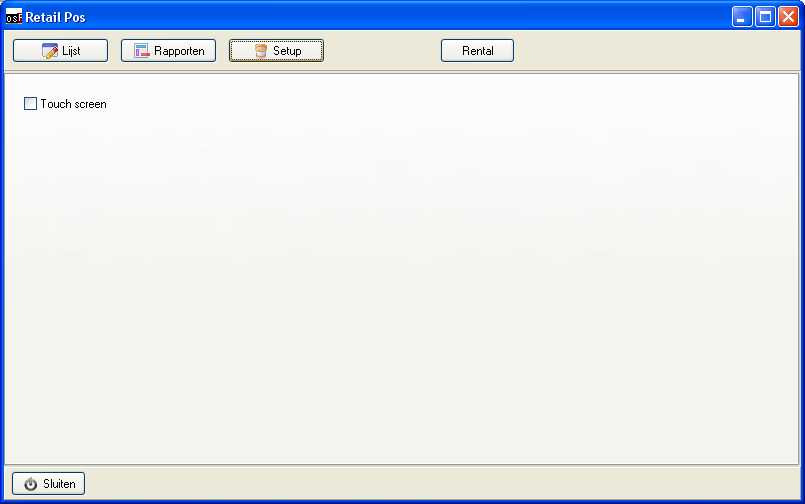
To setup the POS as touchsceen tick the Touchscreen tock this will enlarge with scaling percentage). This is oer computer per user and is stored in the registry (HKEY_CURRENT_USER)
List form
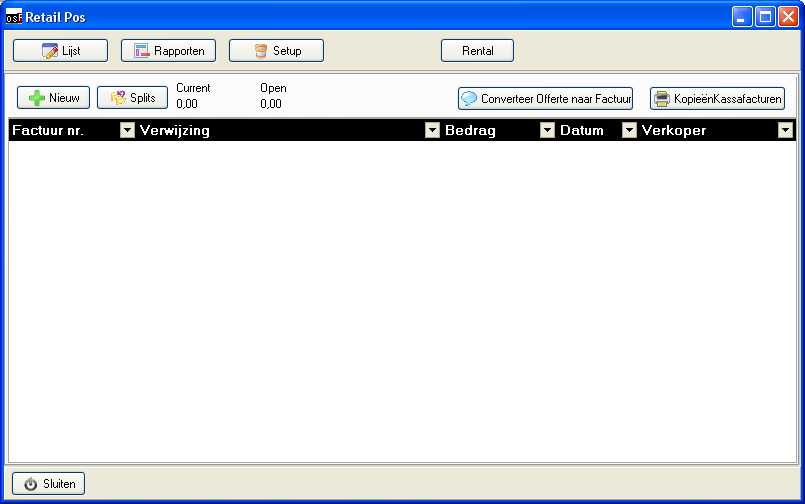
In the list modus you can see the list of invoices not yet payed they are still on hold but saved to make sure stock qtys are substracted while the customer goes off to find his wallet.
also the printed order lies that have print layout setup will be printed. If you have linked the osCommerce the imported documents will also show up in this list.
Als you can convert a exsiting quote to a pos document or you can print a copy of the ticket.
PRess the add button to start a new document.
You can open saved document by double clicking on the list.
POS Document
This is the detailed view of a POS invoice here you can enter products or change the customer.
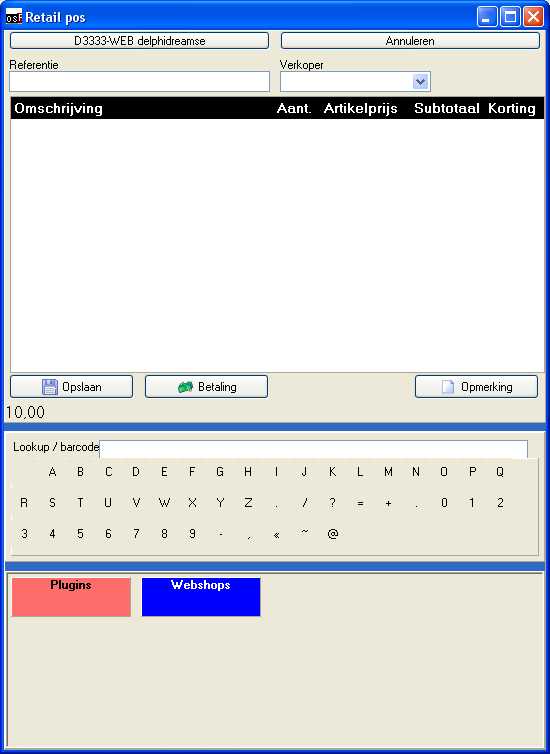
Every new sales the default setup account is used. There is a deafult account for cash sales by clickin on the name you can selecting a divergent debtor. This way yuo can have customers use a customer card or build hisory of a debtor so you know what he or she both before. For instance a hairdresser can see what treatments where given before. Also a garage can use it to find the licence plate to get the history of the car.
With the cancel button you will return to the list.
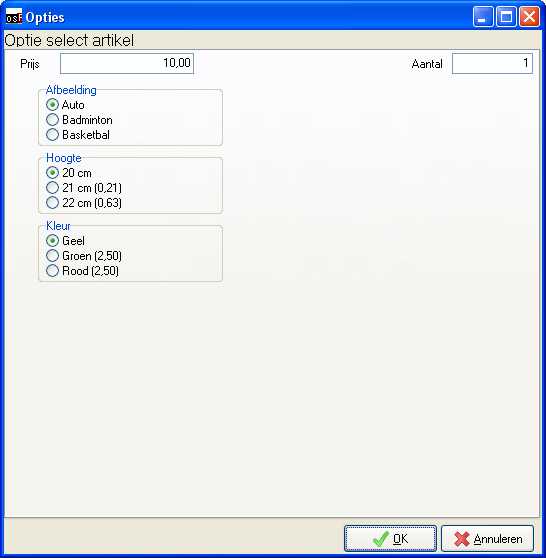
You can lookup products with bar-codes or serial numbers. If you use a scanner you will have to enter a barcode at the stock items. You can also navigate true the groups to find the right item. Some items will pop-up a extra screen like the screen shot below. This is a option item where you can select the right item in the matrix of options.
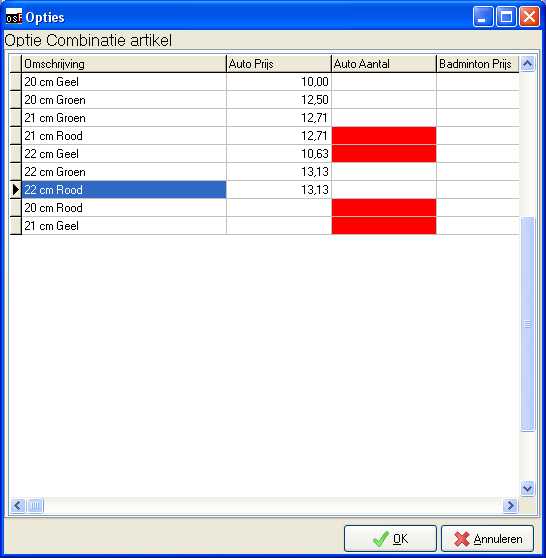
This is a example of simple options the options will then be selection boxes.
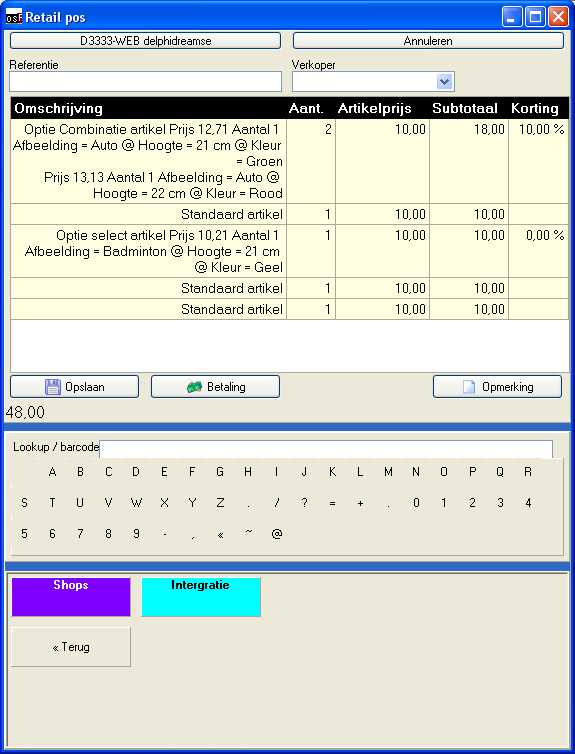
In the list you can see the items added and totals for this sales. Including the extra option prices.
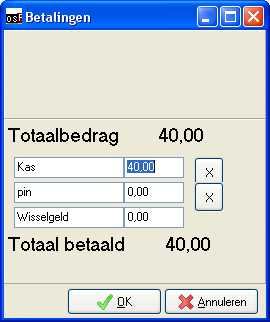
Selecting payment will popup the payment screen that is filled with every payment type that was added in setup->Payment types of the POS.
Corrections
If there is a pos document that has a error or was input incorrectly you can go to the default document entry and correct data/ You can restrict your employees from using this so a administrator will have to correct this.
There is a extra plugin activated in the document to also change the type and status of the document to a open pos document or to a osfinancials document type in case the document can not be posted in POS but closing of the shift is wanted.
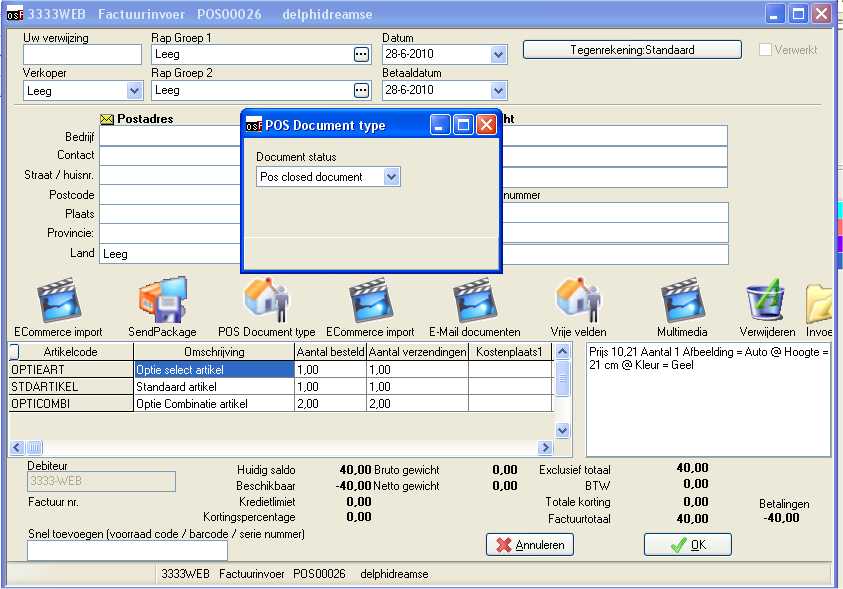
Klick on the icon to adjust the doctype. Double click on the payments (right bottom) to re-enter payment details for a document.
If course you can adjust quantities and or prices in this document entry screen.
Reports
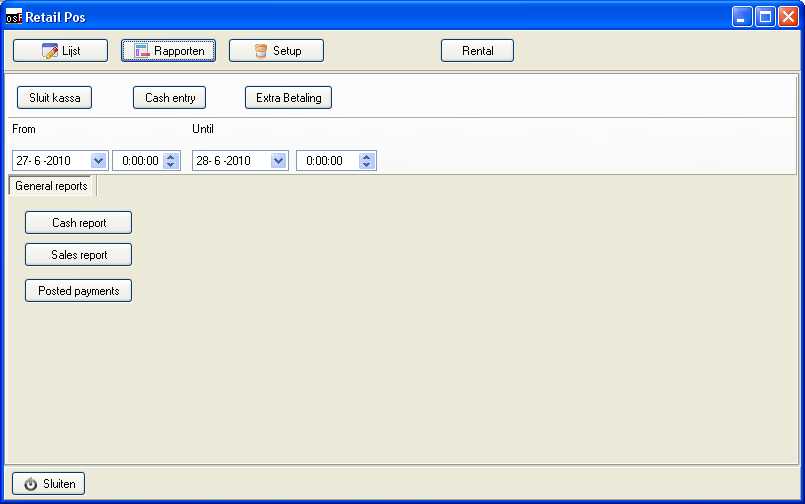
The reports will give you insides on the current cash status and sales of the day / week year.
The reports will pop-up automatic after closing a shift to use as a control for cash/credit card/vouchers positions.